
Windows App Testing.
Windows App Testing.
We specialise in testing complex Windows desktop applications
We specialise in testing complex Windows desktop
applications
We specialise in testing complex Windows desktop
Get Started
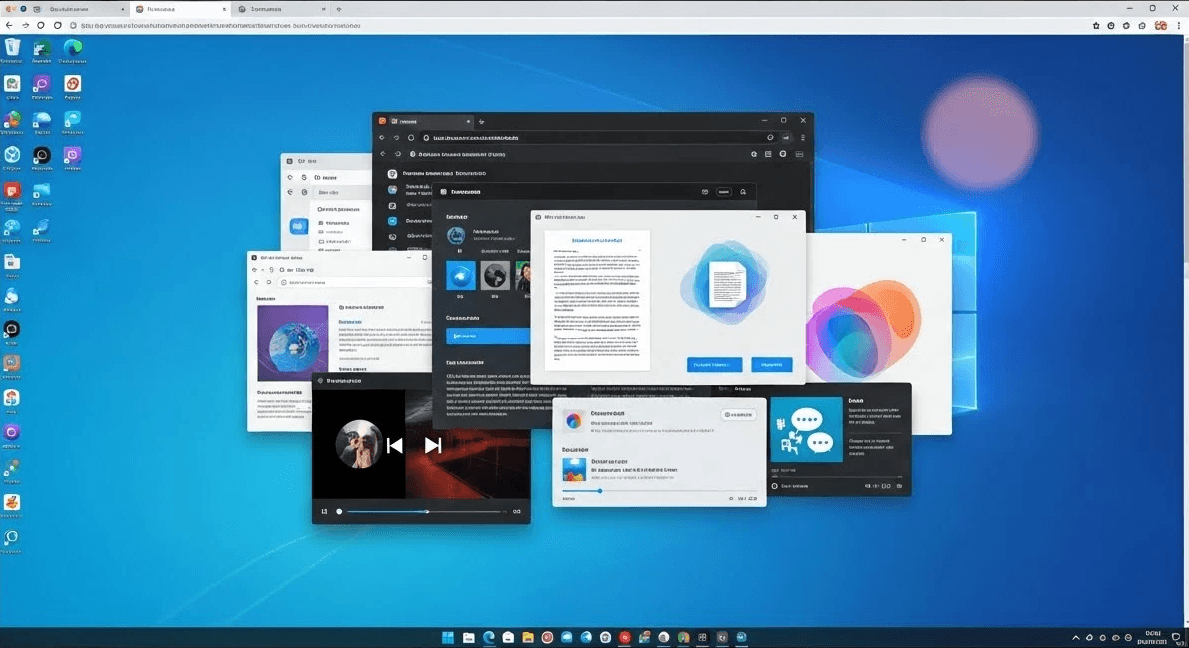
Windows applications require consistency across systems and environments.
Medical&Healthcare
Desktop software must behave predictably across operating systems, hardware configurations, and enterprise setups. Even small inconsistencies can lead to crashes, data loss, or poor user experience.
Desktop software must behave predictably across operating systems, hardware configurations, and enterprise setups. Even small inconsistencies can lead to crashes, data loss, or poor user experience.
FortiQA validates Windows applications through a mix of hands-on functional testing, desktop automation, and system-level checks that reflect real production conditions.
FortiQA validates Windows applications through a mix of hands-on functional testing, desktop automation, and system-level checks that reflect real production conditions.
The result is Windows software that is stable, secure, and ready to scale — from internal tools to customer-facing desktop products.
The result is Windows software that is stable, secure, and ready to scale — from internal tools to customer-facing desktop products.
Windows application types we cover:
Medical&Healthcare
• Native Windows applications (Win32, .NET, WPF, WinForms).
• Native Windows applications (Win32, .NET, WPF, WinForms).
• Electron-based desktop applications.
• Electron-based desktop applications.
• Enterprise internal and line-of-business tools.
• Enterprise internal and line-of-business tools.
• Installer-driven software and auto-updating applications.
• Installer-driven software and auto-updating applications.
• Hardware-integrated systems (printers, scanners, USB devices).
• Hardware-integrated systems (printers, scanners, USB devices).
Key validation areas:
Medical&Healthcare
• Installation, upgrade, rollback, and uninstall behavior.
• Installation, upgrade, rollback, and uninstall behavior.
• Core functionality and regression coverage.
• Core functionality and regression coverage.
• UI behavior across screen sizes, DPI scaling, and multi-monitor setups.
• UI behavior across screen sizes, DPI scaling, and multi-monitor setups.
• File system, registry access, and permission handling.
• File system, registry access, and permission handling.
• Offline and online synchronization flows.
• Offline and online synchronization flows.
• Error handling, logging, and recovery scenarios.
• Error handling, logging, and recovery scenarios.
• Compatibility across Windows versions (Windows 10, 11, Server).
• Compatibility across Windows versions (Windows 10, 11, Server).
Automation and testing tooling:
Medical&Healthcare
Desktop UI automation
Desktop UI automation
• WinAppDriver.
• WinAppDriver.
• FlaUI.
• FlaUI.
• Microsoft UI Automation (UIA).
• Microsoft UI Automation (UIA).
• Playwright (Electron-based apps).
• Playwright (Electron-based apps).
Backend & data validation
Backend & data validation
• API testing (REST, SOAP).
• API testing (REST, SOAP).
• Database verification (SQL Server, PostgreSQL, MySQL).
• Database verification (SQL Server, PostgreSQL, MySQL).
Performance & stability
Performance & stability
• Resource usage monitoring (CPU, memory, disk, network).
• Resource usage monitoring (CPU, memory, disk, network).
• Long-running and stress testing.
• Long-running and stress testing.
Release pipeline integration
Release pipeline integration
• Automated smoke and regression suites.
• Automated smoke and regression suites.
• CI/CD execution for desktop releases.
• CI/CD execution for desktop releases.
Request a manual review.
Request a manual review.
Request a manual review.
Let our experts inspect your UI by hand.
Let our experts inspect your UI by hand.
Book Testing